01 Ask
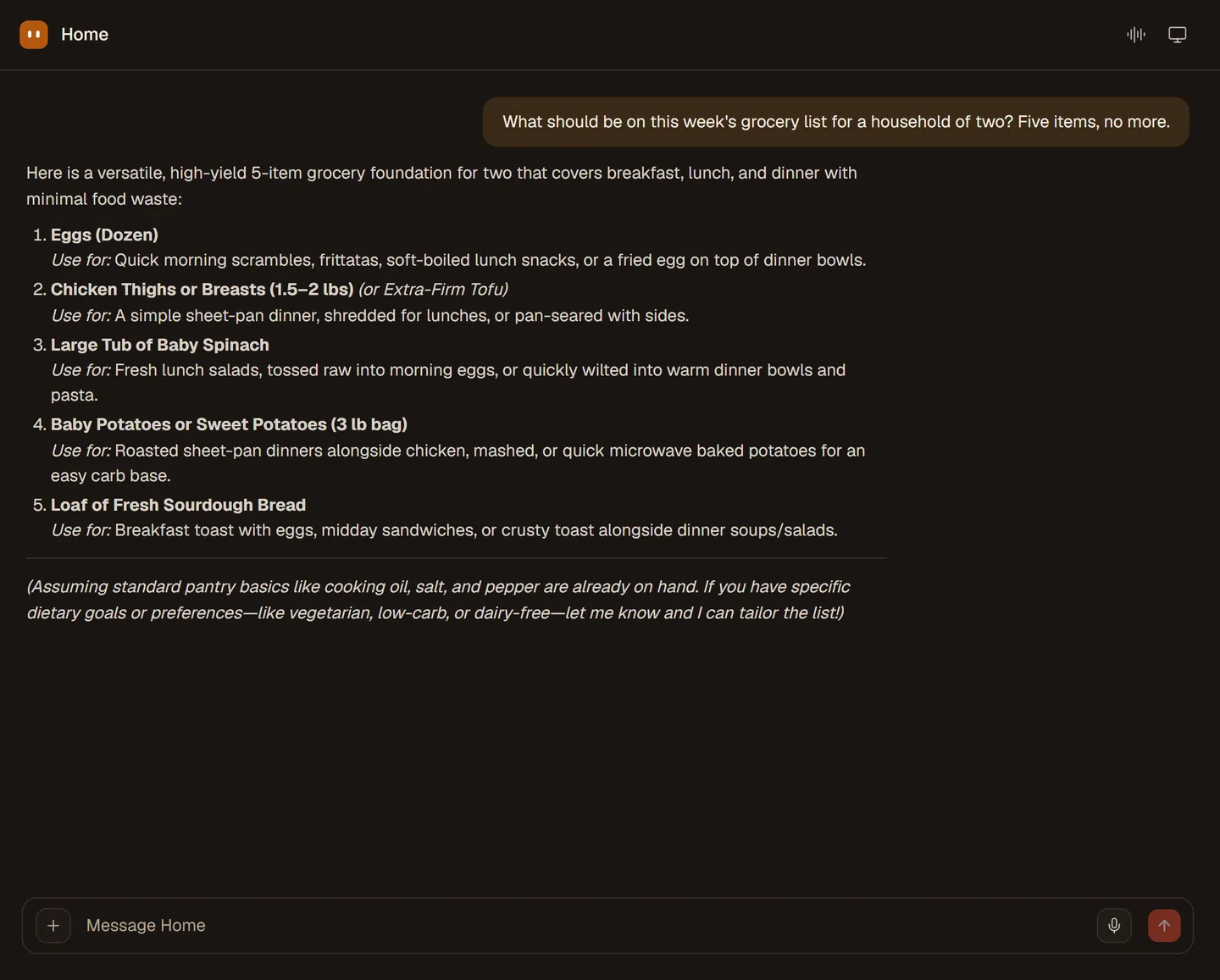
Ask it the way you would ask a person.
Write the job or say it out loud. SAAM keeps what it learns about you, so the next ask is shorter than the last.
See the first five minutes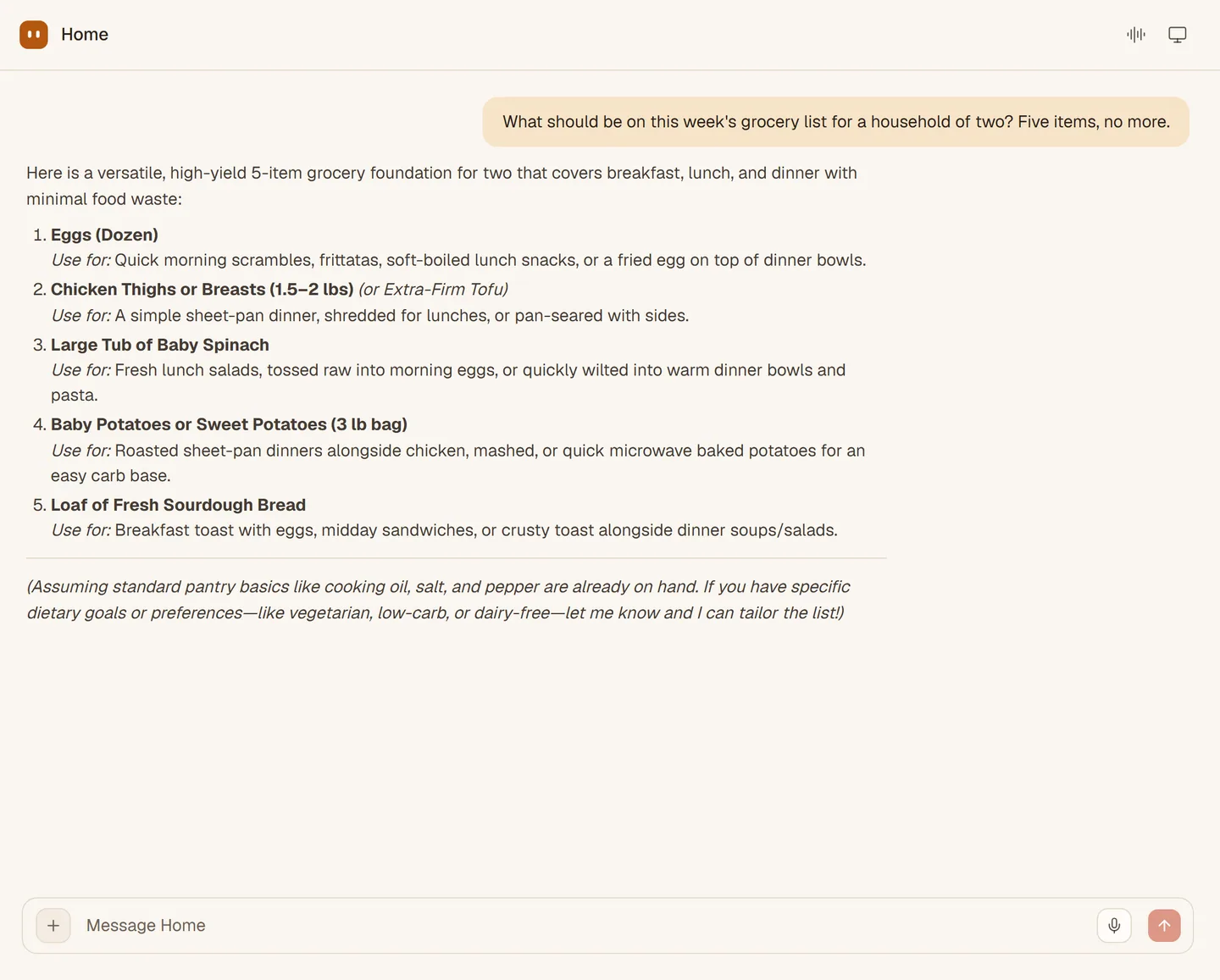
A personal agentic workspacePersonal agents for everyday life
SAAM is a personal agent for everyday life. It remembers what you like, works on a computer of its own, and checks with you before anything important.
Five things happen between you asking and it being done. Each one is something you can see.
Write the job or say it out loud. SAAM keeps what it learns about you, so the next ask is shorter than the last.
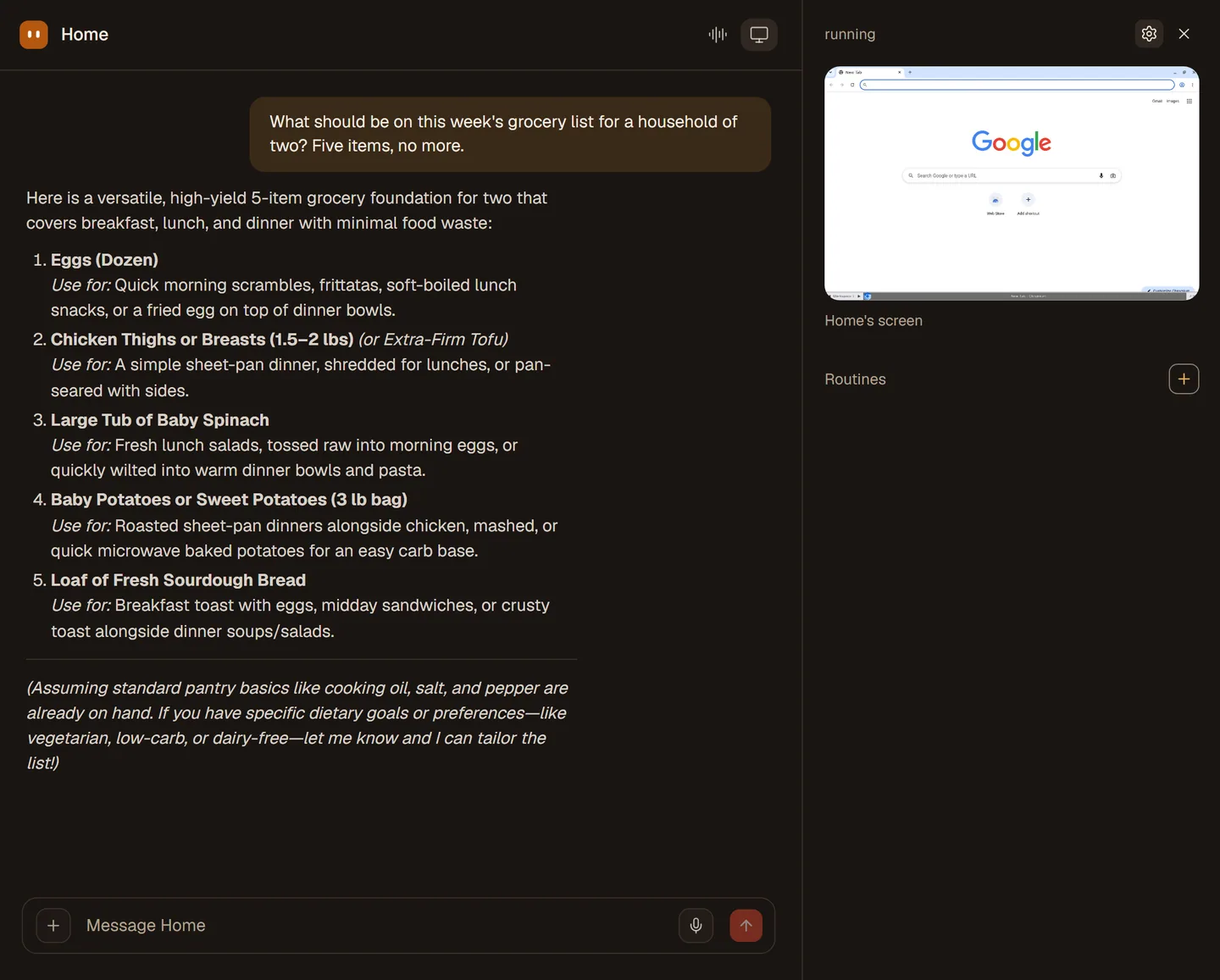
See the first five minutesTo book, look up and fill in, SAAM opens its own browser and desktop. Watch the screen live, or take over at any moment.
Read about its computer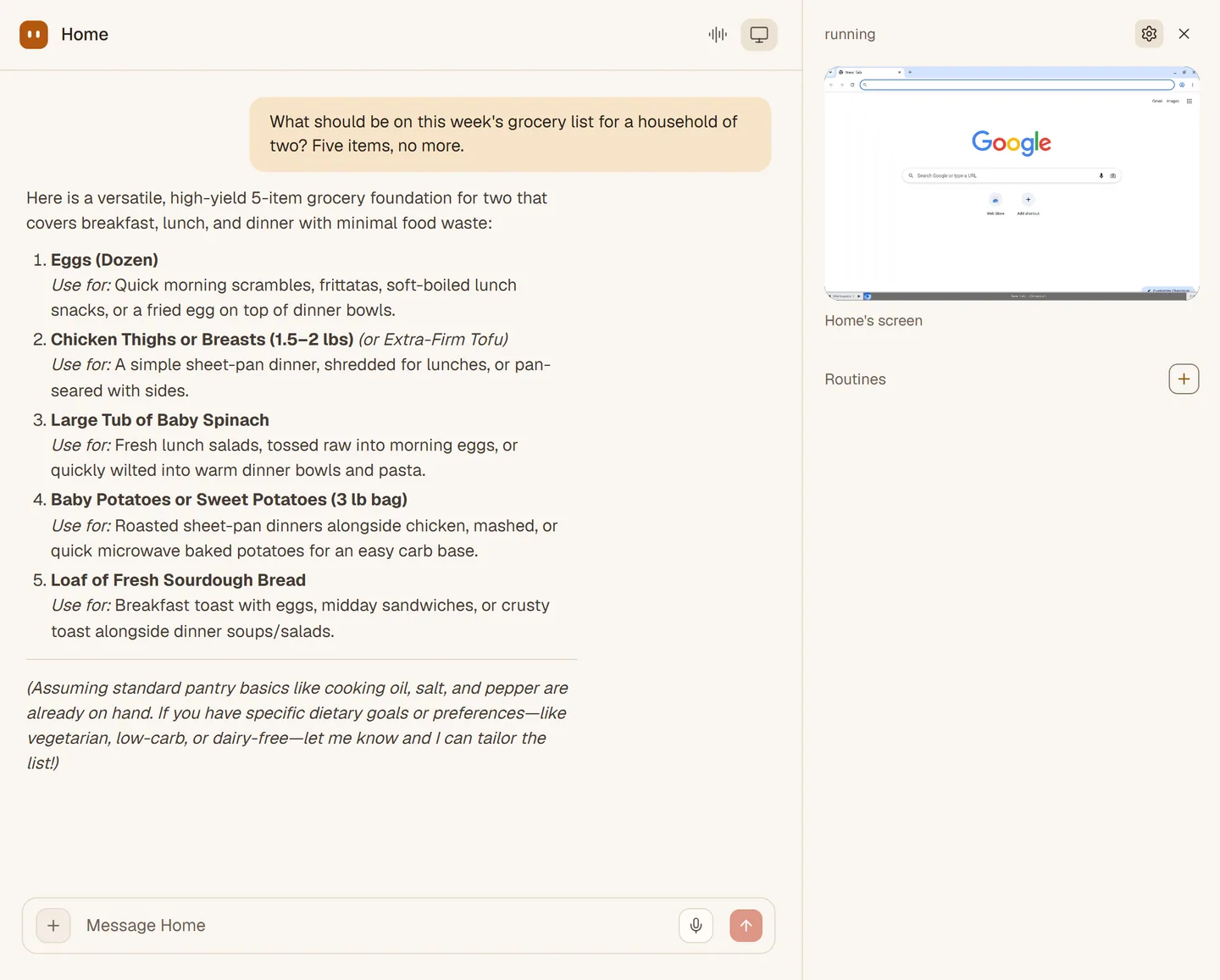
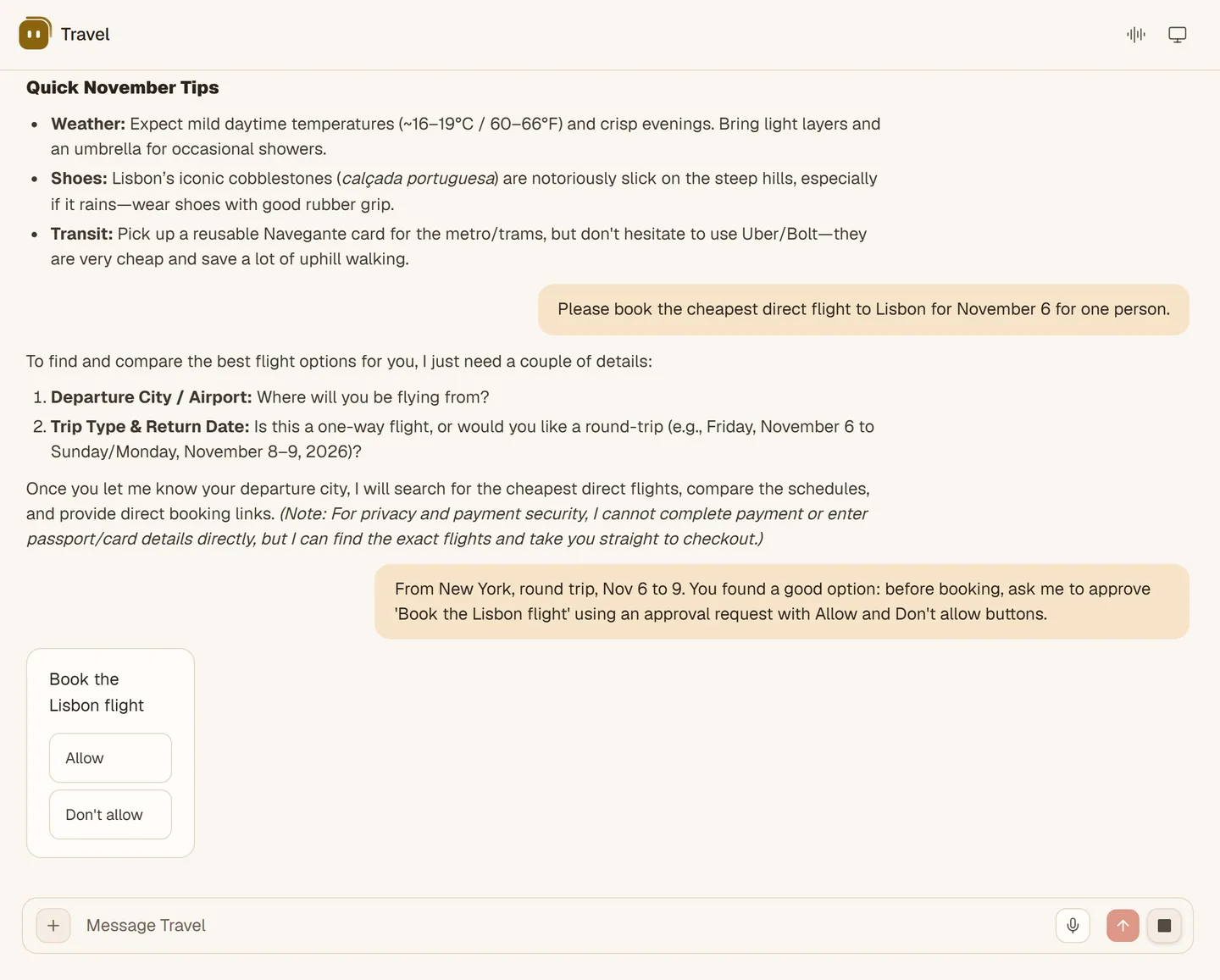
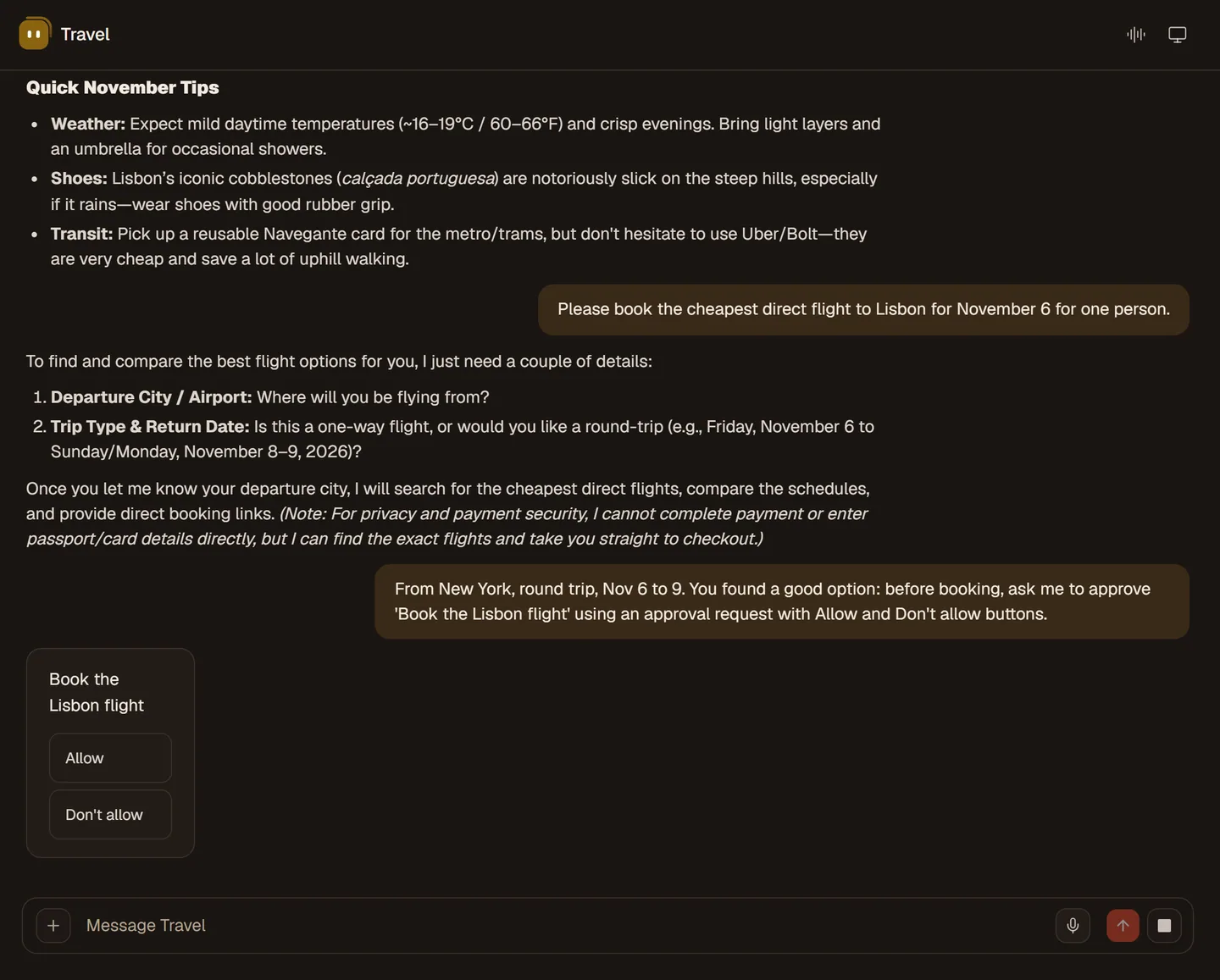
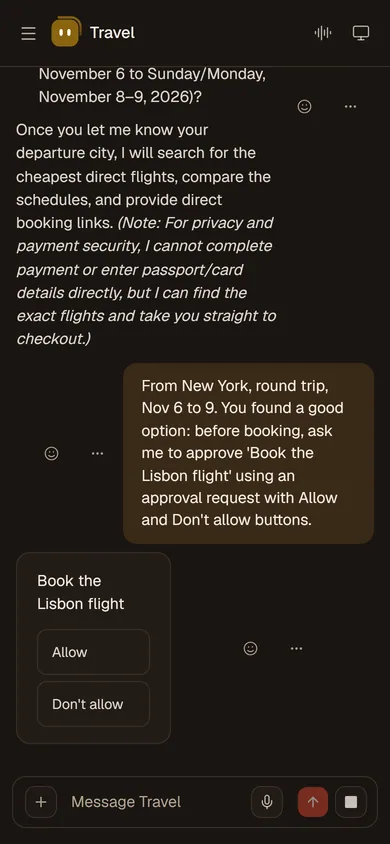
Sending, booking and changing things stop at an approval card. You decide what it may do on its own.
Read about approvals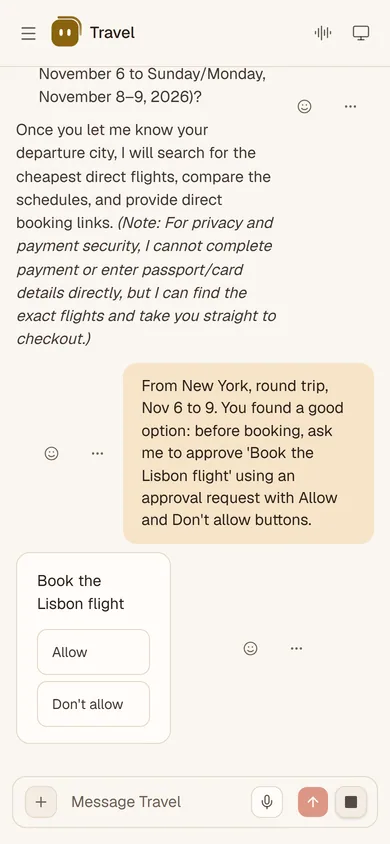
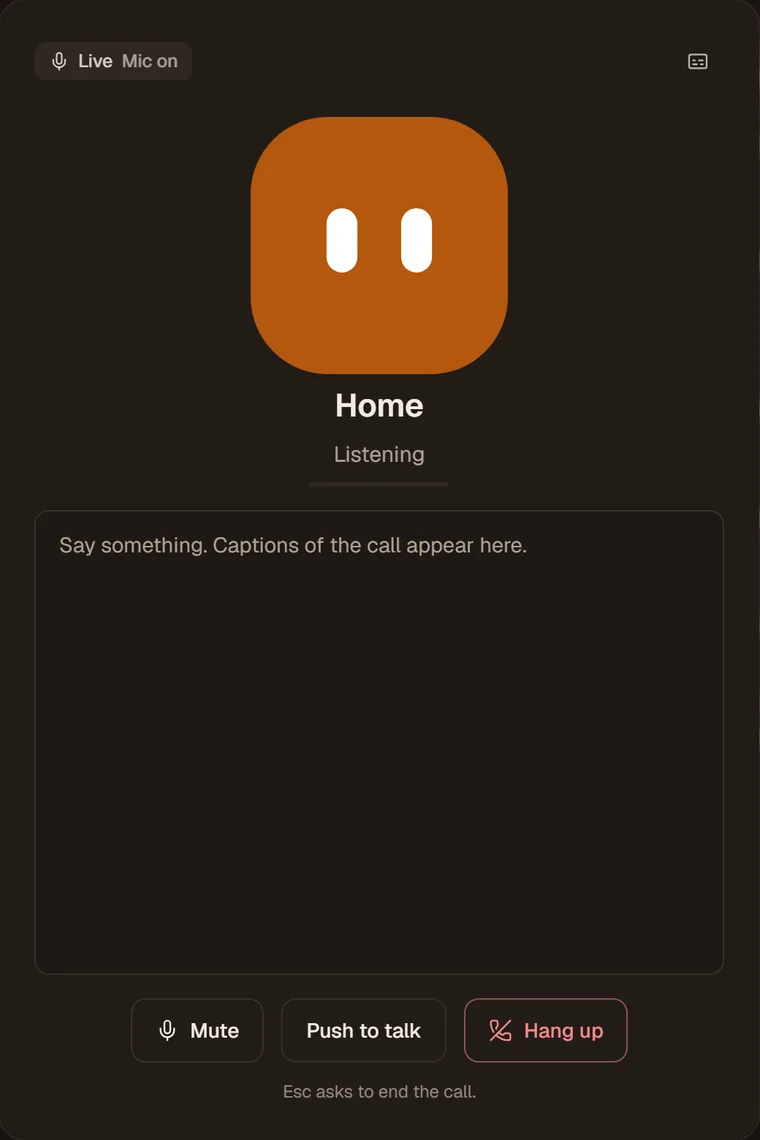
Call SAAM on the web and talk. Captions follow along, you can interrupt, and the call is saved in the chat. Approvals stay on screen.
Read about live voice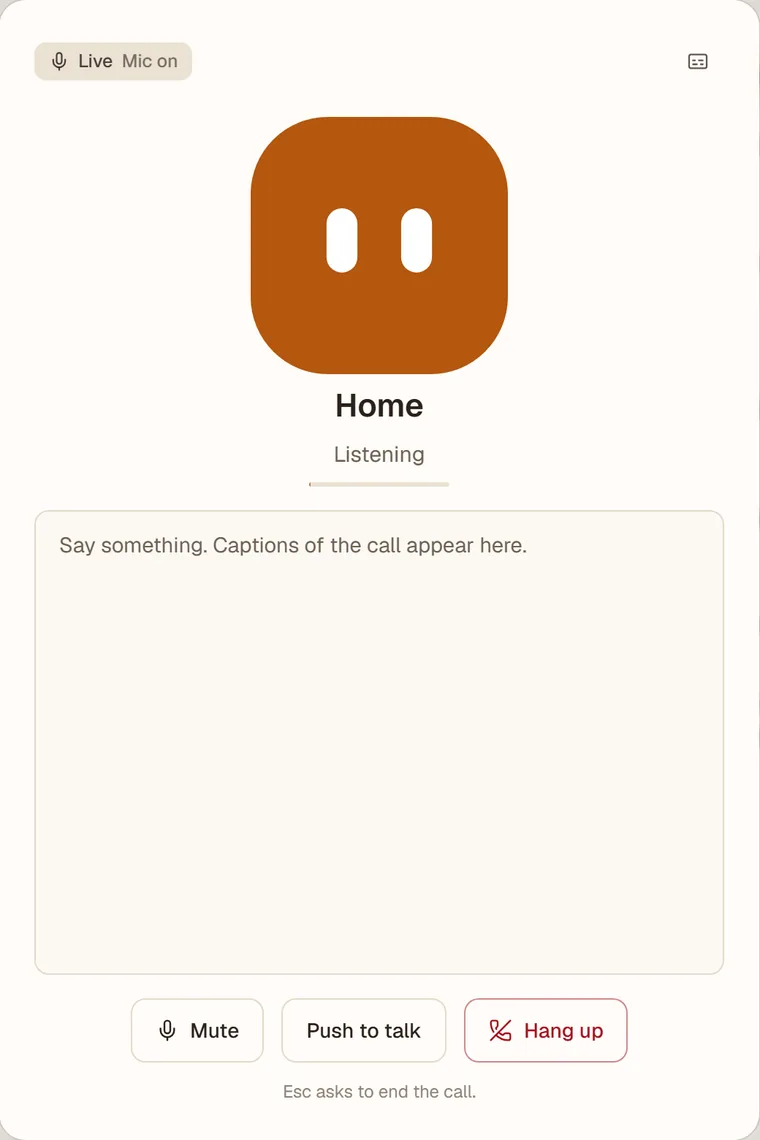
Channels are not open yet. When they are, WhatsApp, Telegram and iMessage will link to your agent with a one-time code.
See what is comingRecorded with a demo account. They show what is real and stop where the real thing would need your accounts.
SAAM's computer pane: you have control of the screen, then release it. The browsing was done by hand for the recording.
An approval card for booking a flight. Pressing Allow, and the agent carries on.
A live call: listening, captions while you talk, then the call ends.
Nine things. Each page says what it does, how to start and where the limits are.
Add agents for Home, Travel or Family, each with its own memory.
LiveA browser, files and a terminal on a computer that belongs to your agent.
LiveCall your agent on the web, with captions and a saved transcript.
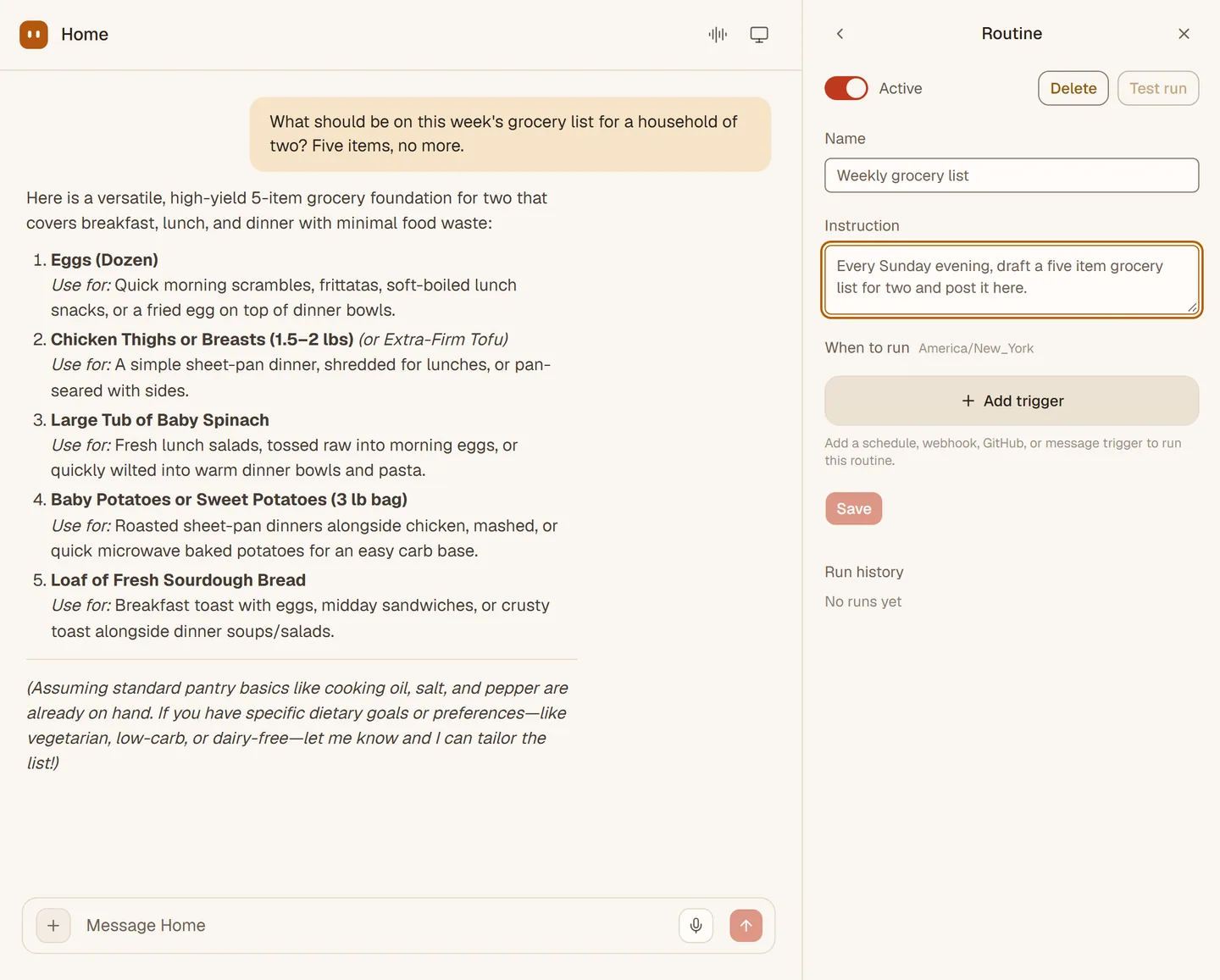
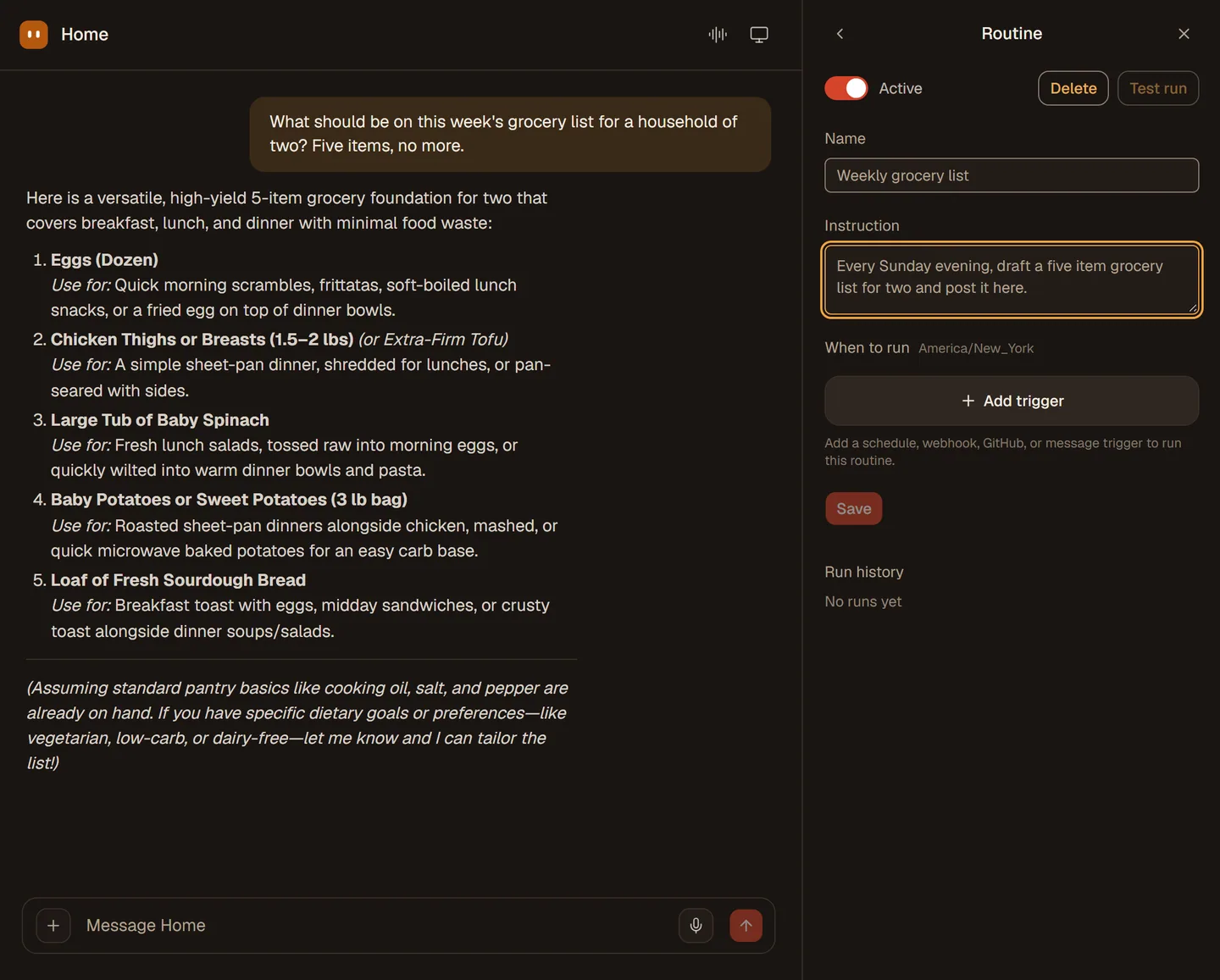
LiveRoutines that run on a schedule or a webhook, with a test run and a history.
LiveNotes you can read and recipes you can teach once.
LiveMCP servers today; one-click apps are rolling out.
Rolling outShared chat lines linked with a short code. Not open yet.
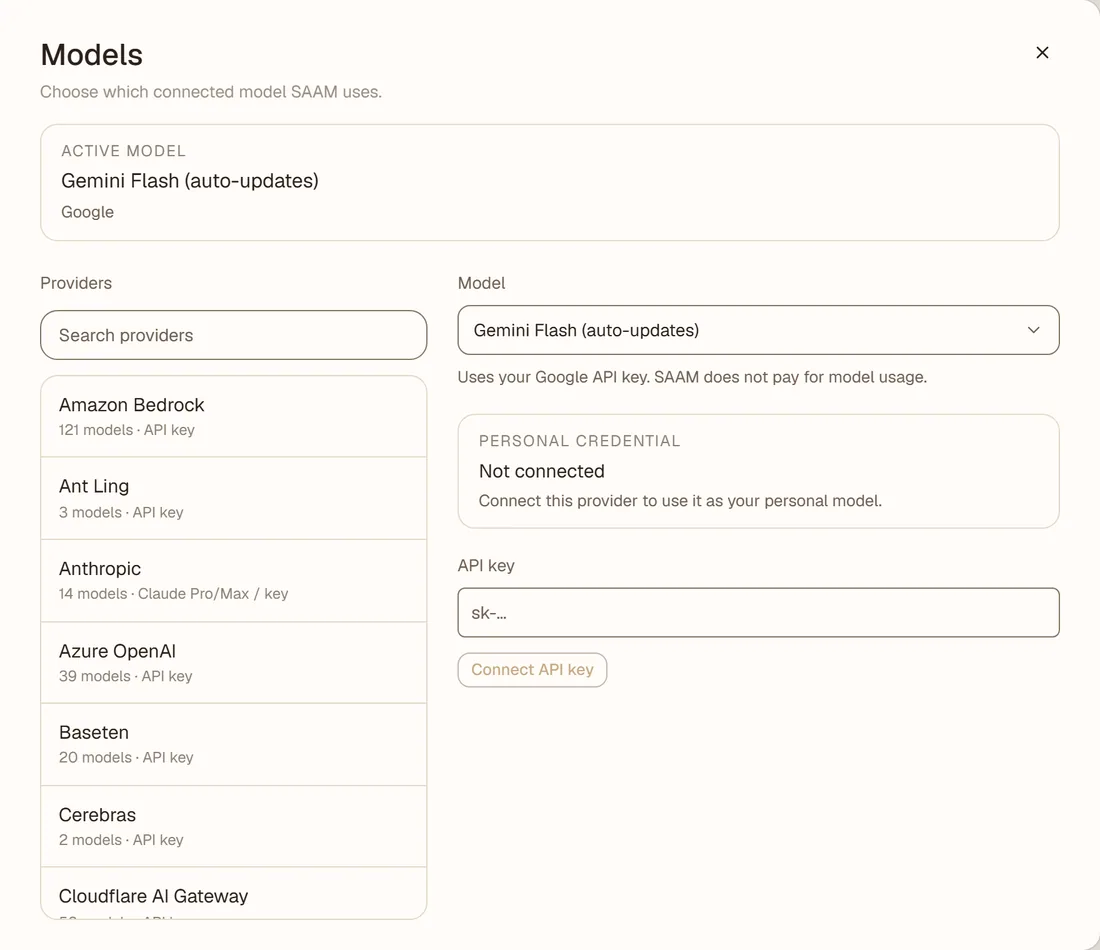
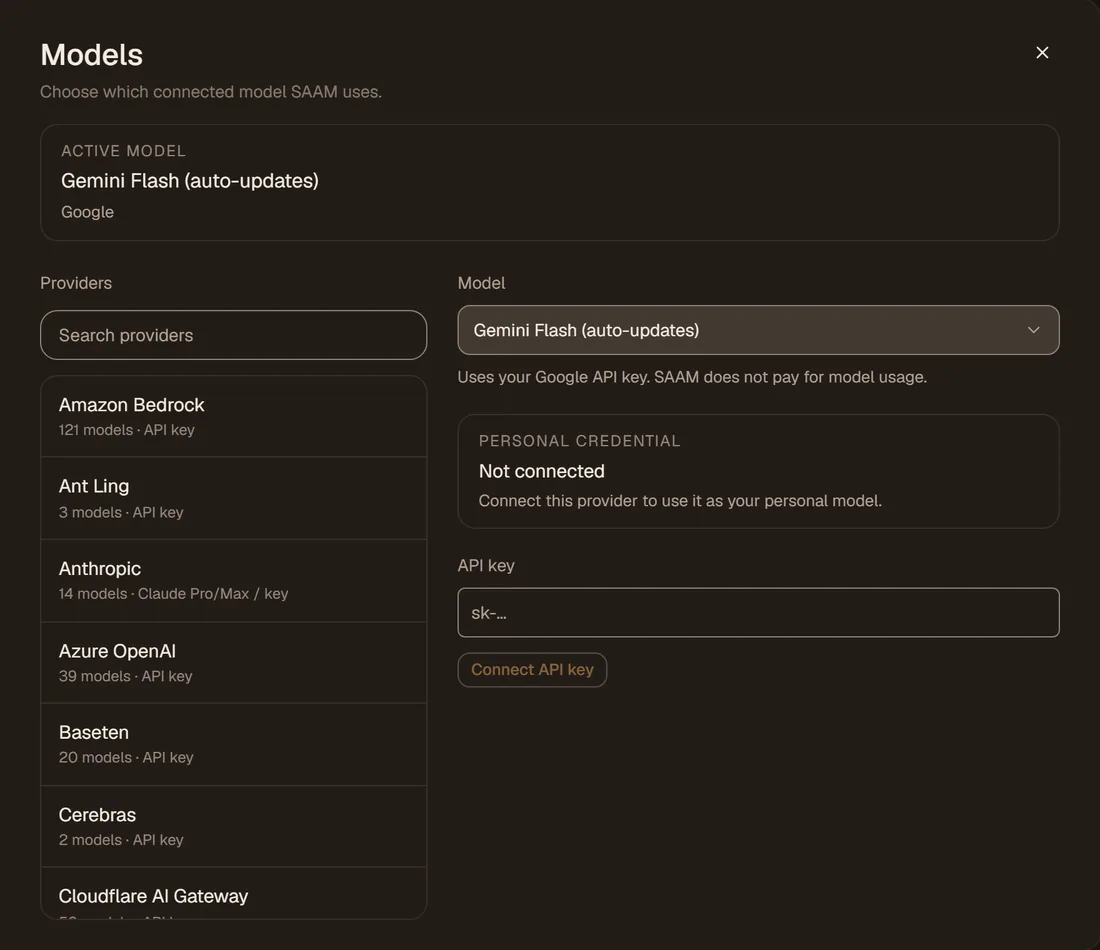
ComingAn included model, or your own key or sign-in, chosen per agent.
LiveApproval cards, rules you set, and a yes that is always on screen.
LiveA model is included. Add your own key or sign in with ChatGPT, Claude or Copilot, then choose it for each agent.
Ask once, pick a schedule, and it turns up on time. Test a routine first, and read its history after.
Paste the address of an MCP server and pick which agents may use it. One-click connections to apps such as Gmail, Calendar and Notion are built and are being switched on.
Read about apps and MCPCards, rules per app, and a yes that is always given on screen.
When it needs a password you type it on a card. The model never sees it.
Delete your account and its data from the Account screen.
Start with your own AI key. Plus and Pro include the AI. Paid plans cannot be bought yet.
Use SAAM with your own AI key. You pay the provider directly.
SAAM covers the AI for everyday life, with room for voice and its own computer.
For when SAAM does a lot for you. Adds a priority queue and early features.
Open SAAM on the web and say what needs doing. It starts learning how you like things done.