Step 1: Ask
You say what you want.
Write the job, or say it out loud on a live call. Use your own words. SAAM keeps what it learns about you, so the next ask is shorter than the last.
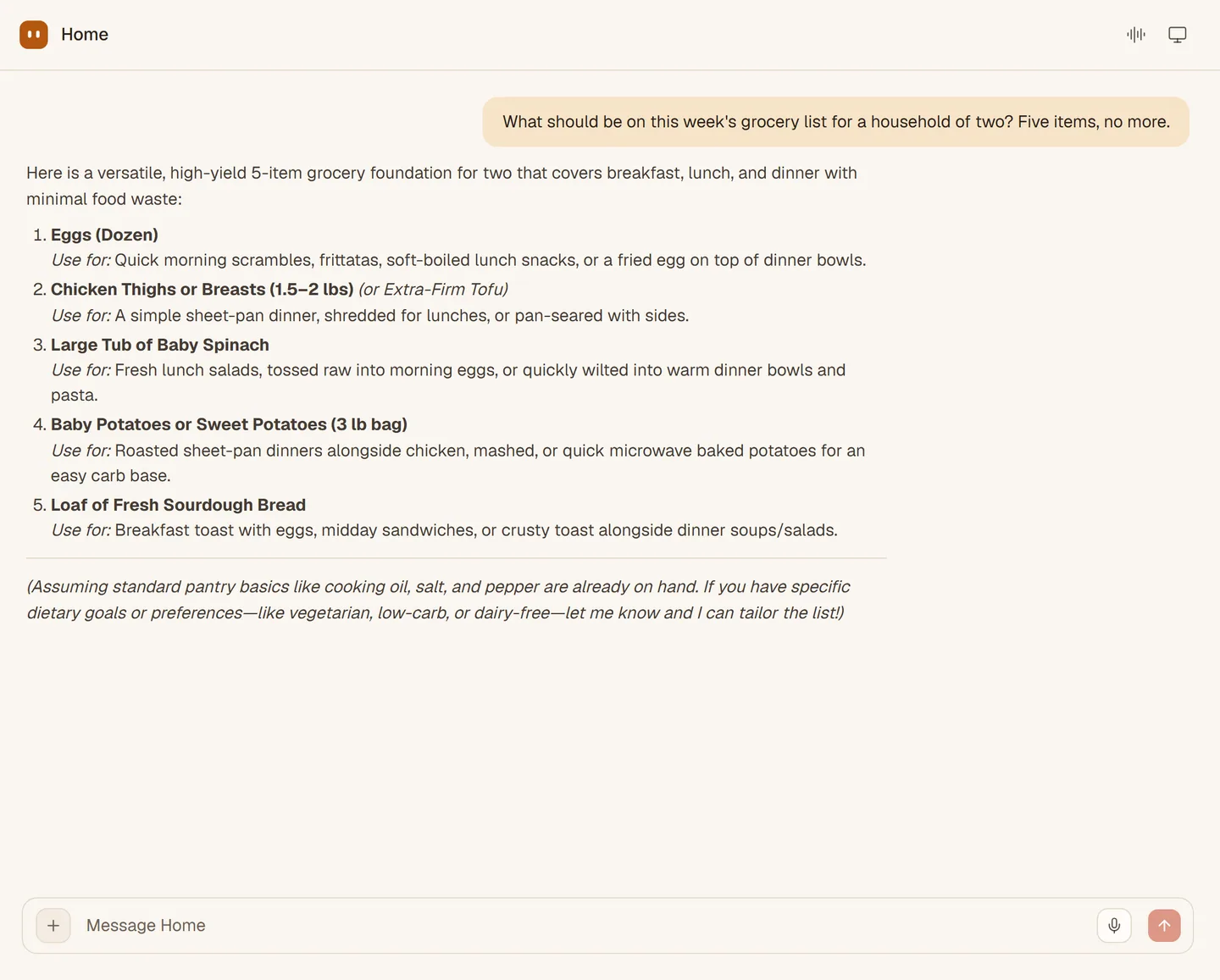
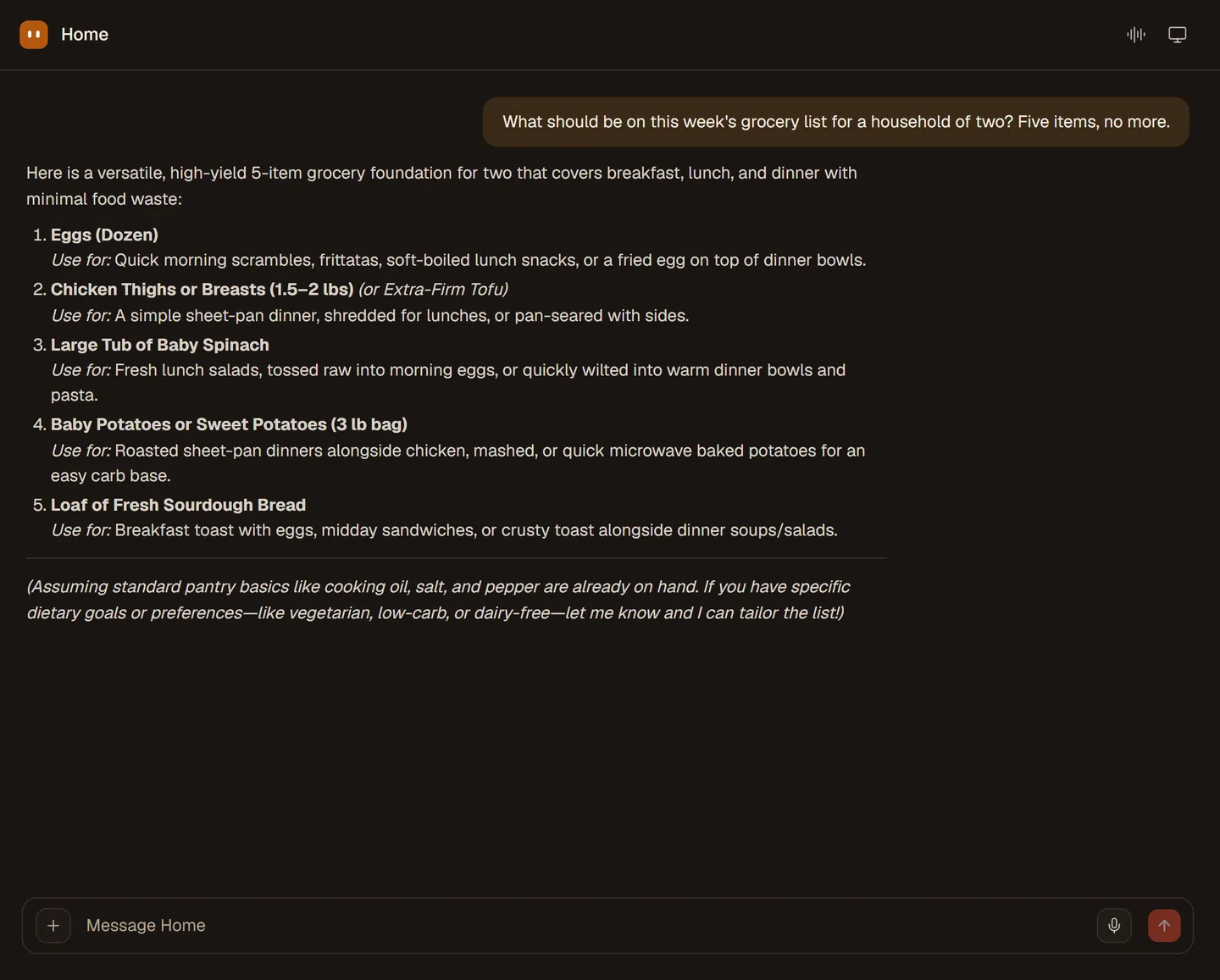
A job with SAAM has four parts: you ask, SAAM works, you approve what matters, and you get the result. Here is what each part looks like.
Write the job, or say it out loud on a live call. Use your own words. SAAM keeps what it learns about you, so the next ask is shorter than the last.
To look something up, book it or fill it in, SAAM uses its tools and opens a browser and desktop of its own. You can watch the screen live, take control, or go and do something else.
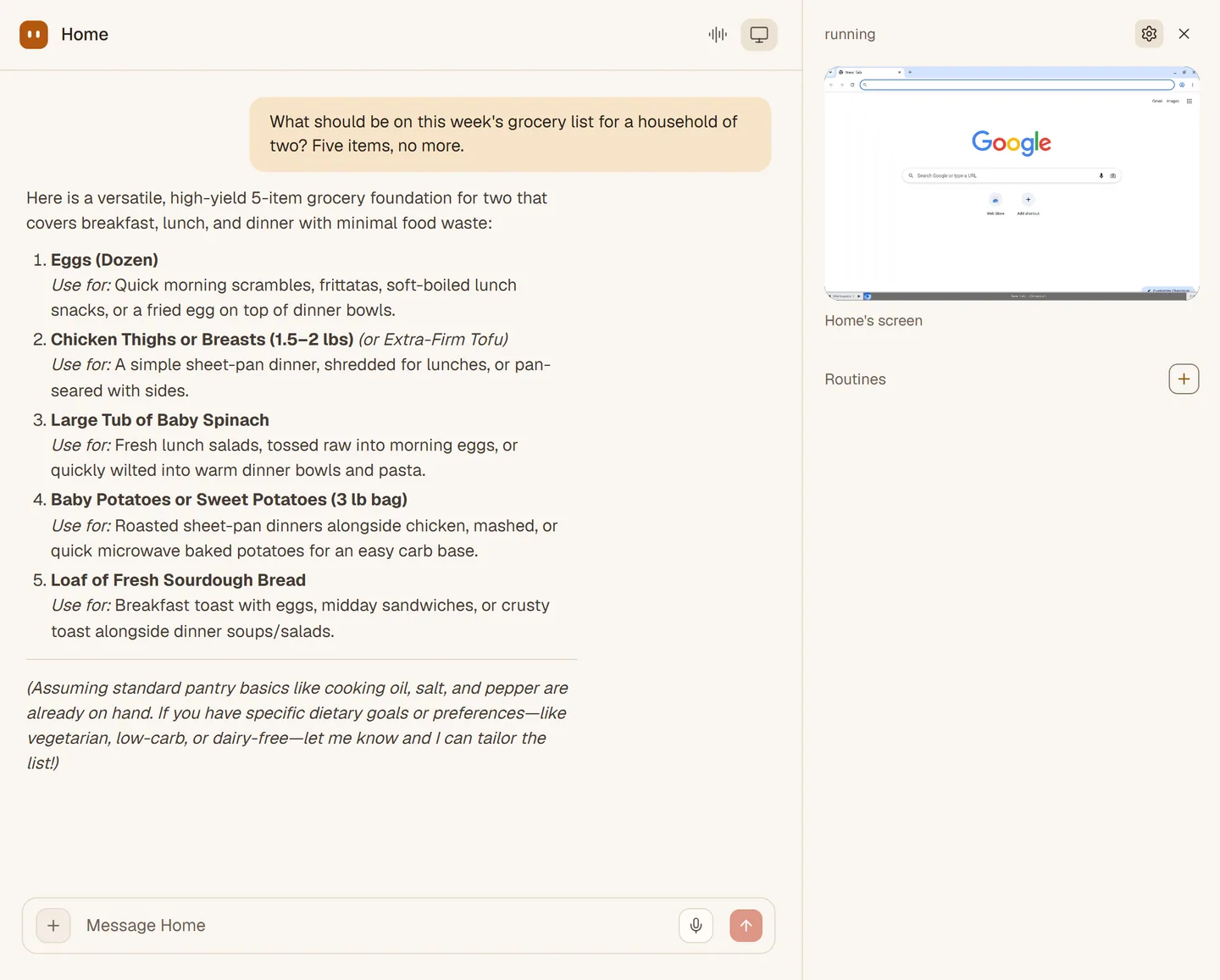
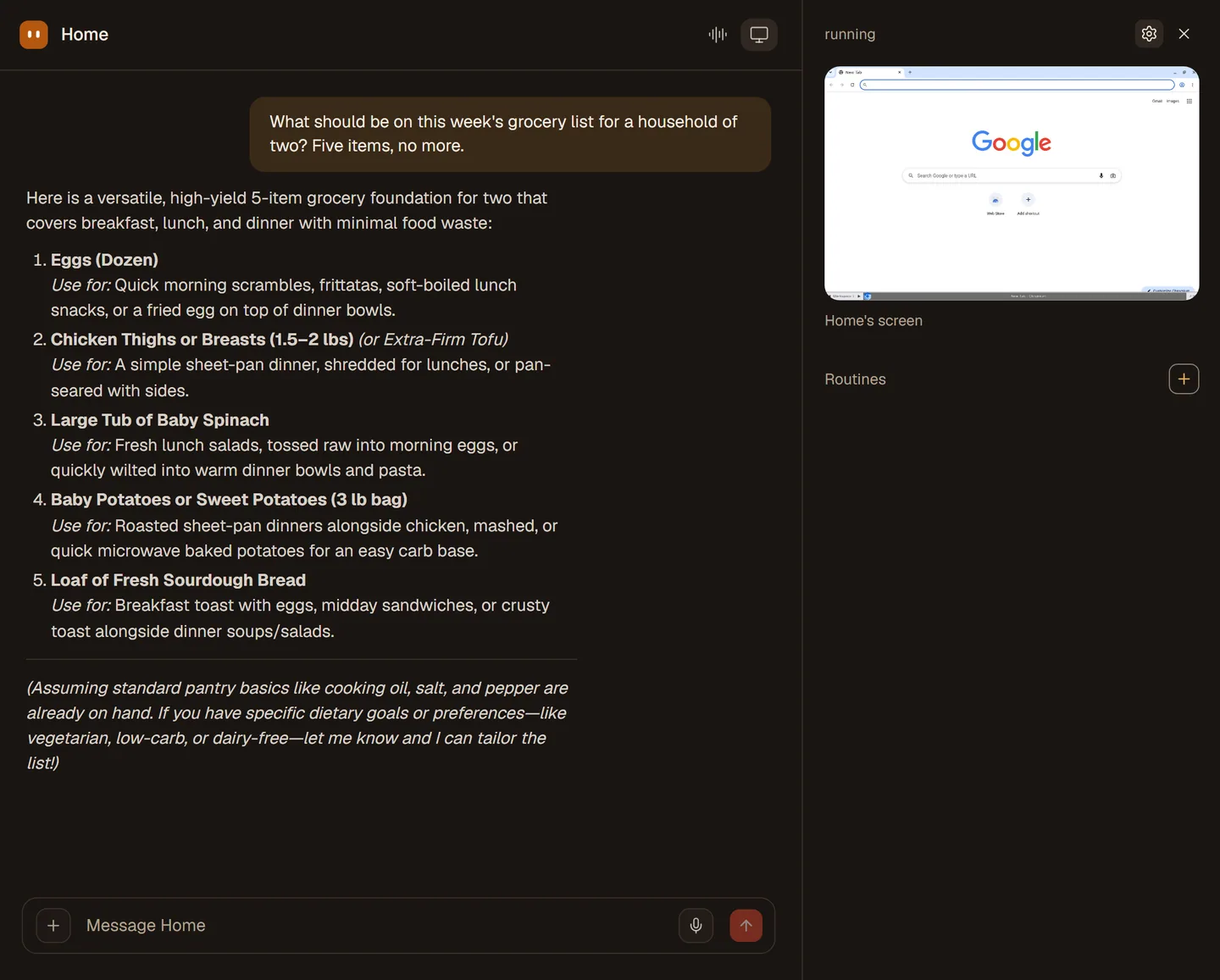
Sending, booking and changing things stop at an approval card with Allow and Don't allow. You can set rules so it only asks about what you choose. A routine that runs while you are away waits at the card too.
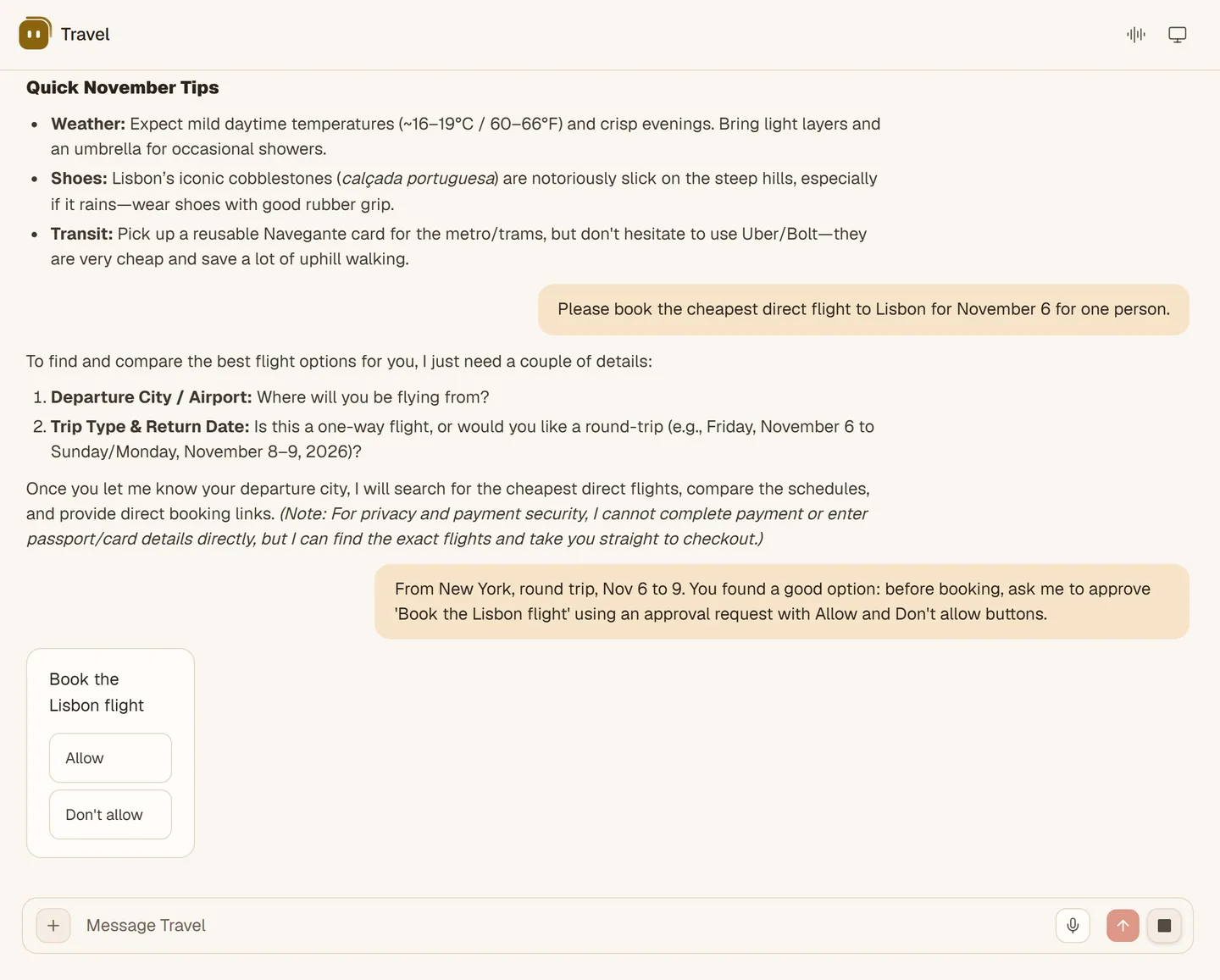
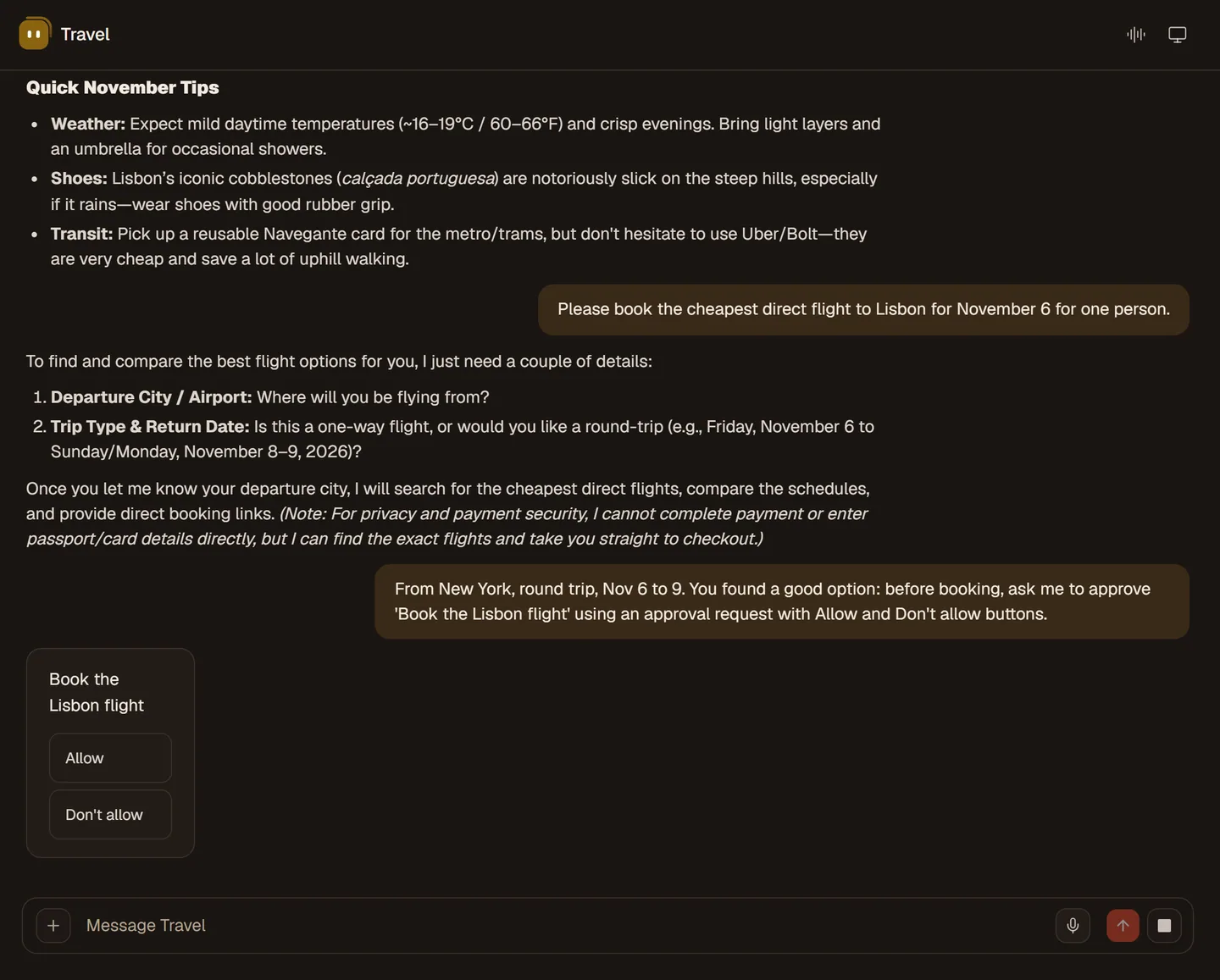
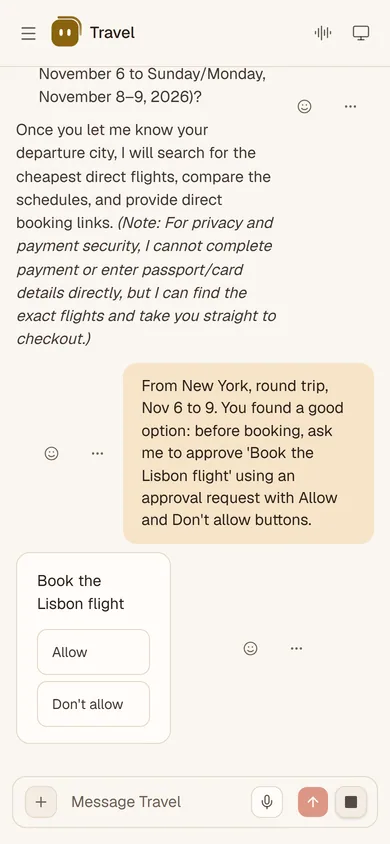
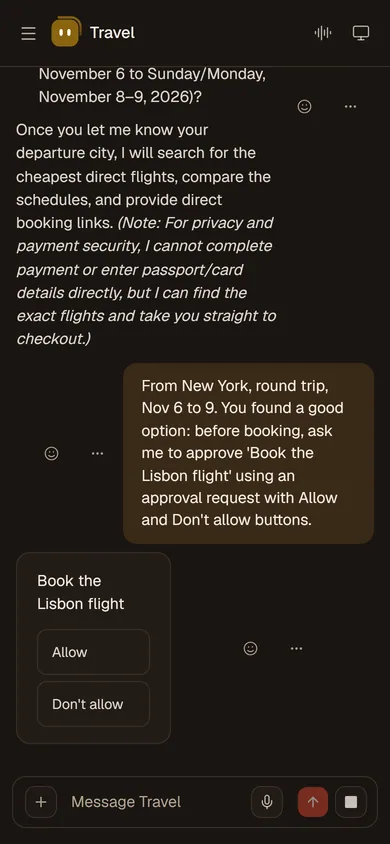
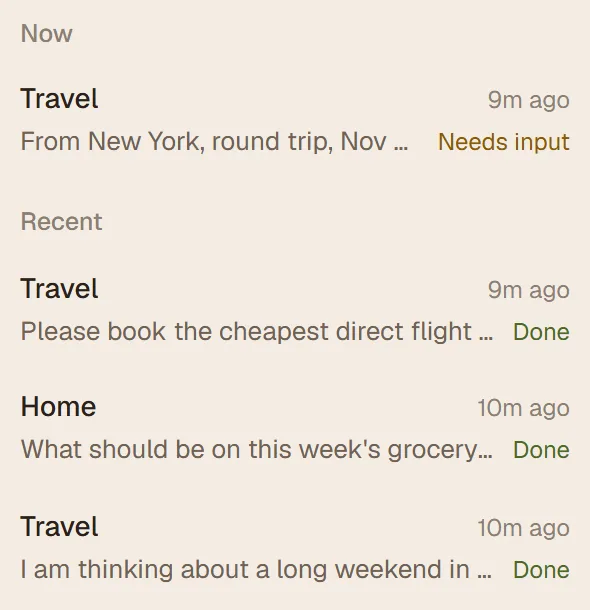
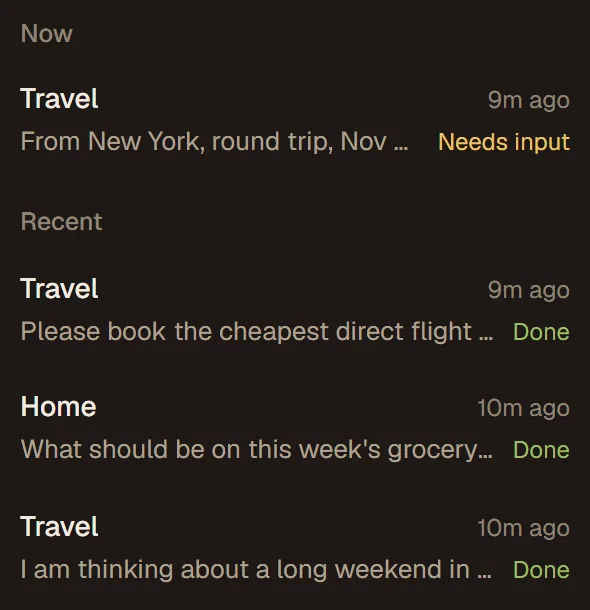
The answer arrives in the chat. The activity feed shows what needs your input and what is done, so you can look back at any job.
Each step takes a minute or less.
Sign in on the web and say hello.
Write it, or say it on a live call.
Open its computer to see the screen, or wait for the answer.
Sending and booking wait for your yes.
Ask for it to happen every week, and test it first.
Everything in SAAM is one of these.
Your personal helper. SAAM is the first. Add more for Home, Travel or Family.
The agent's own browser and desktop, which you can watch.
An instruction with a trigger, such as every weekday at 8.
Plain notes it keeps about you. You can read, edit and download them.
A recipe it can follow again.
A card that waits for your yes.
We say so plainly.
WhatsApp, Telegram and iMessage are not open yet.
ComingAdding an MCP server works today. The app catalog is being switched on.
Rolling outNot published. There is nothing to download.
ComingOpen SAAM and ask for something small, like this week's dinners. Not in yet? Join the list.