The call
One button, then just talk.
The call opens as a small window over your chat. Your agent's face shows when it is listening and when it is speaking, and captions run underneath. Press Esc to end it, or Hang up.
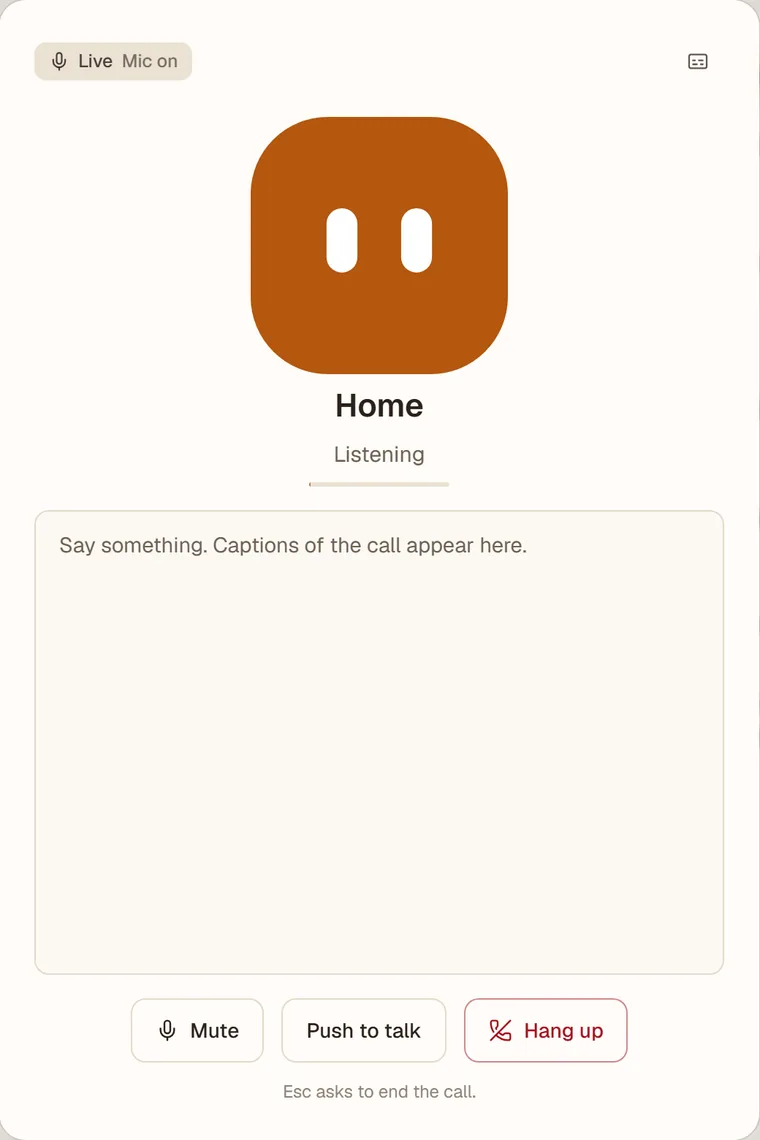
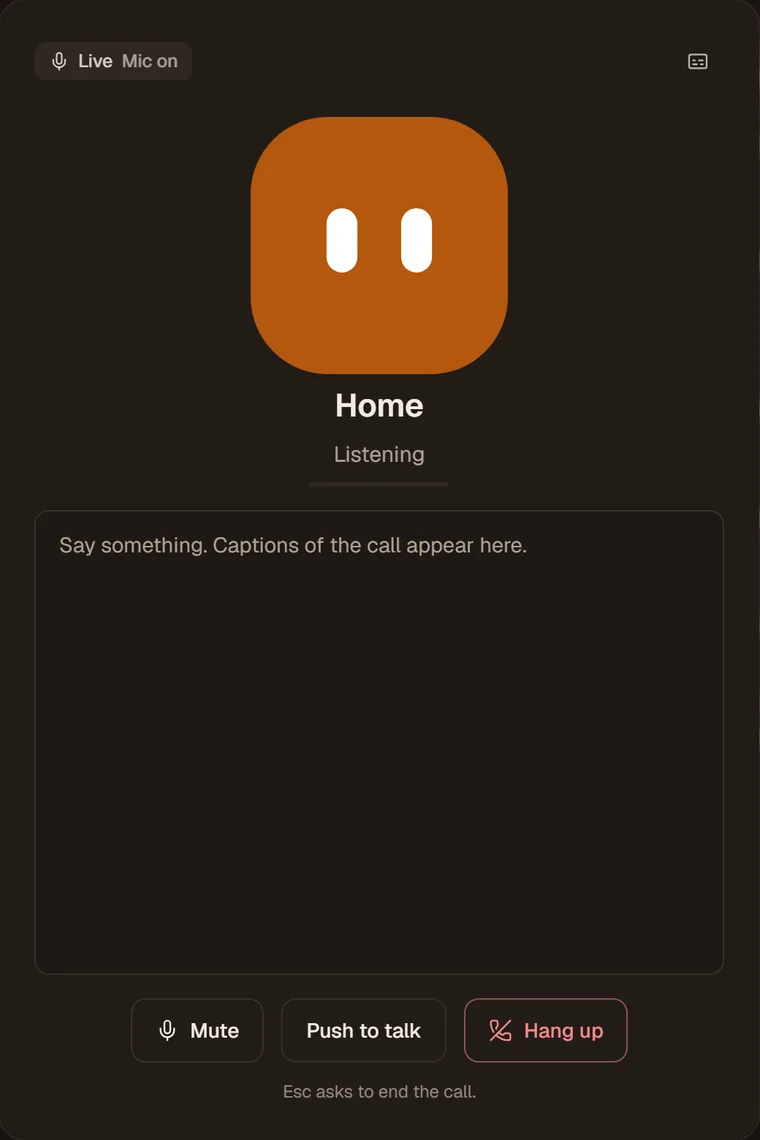
Press the waveform button and speak. SAAM answers in a natural voice, you can cut in at any time, and captions follow along. When the call ends, it is in the chat.
LiveThe call opens as a small window over your chat. Your agent's face shows when it is listening and when it is speaking, and captions run underneath. Press Esc to end it, or Hang up.
Four controls cover every call.
Everything said, in text, as it is said. Toggle them from the call window.
Keep the call open without being heard.
Hold to speak in a noisy room. SAAM listens only while you hold.
Start speaking and SAAM stops, the way a person would.
Voice is how you talk to your agent. The work behind it is the same: lookups, lists, its own computer, your routines.
Ask while you cook, and the result is waiting in the chat afterward, because the whole call is saved.
Anything that sends or changes something waits for a tap, not a spoken yes. Passwords and codes are typed, never said.
Ask, plan, look up, dictate, think out loud, and go back and forth as long as you like.
Approval cards, secrets and anything that needs a decision. SAAM puts them in the chat and waits.
A short recording from the live app: a call in the Listening state, captions as you talk, and the call ending.
Live voice is new, and it has edges.
Use a current Chrome, Edge or Safari with a microphone. Phone calls and phone-app voice are not built.
Up to 15 minutes each, with a daily cap, and a call ends after a couple of minutes of silence.
Each plan sets how many voice minutes you get. See the plans.
While you talk, audio goes to the voice model service. SAAM explains this and asks the first time.
Open SAAM, press the waveform button in any chat, and tell your agent what you need.